Drawing Fractals In C#
What are fractals?
Fractals are special geometrical shapes created through iteration.
You take a simple starting rule and apply it over and over again.
One of the most famous fractals is the Mandelbrot set.
Here it is in action:
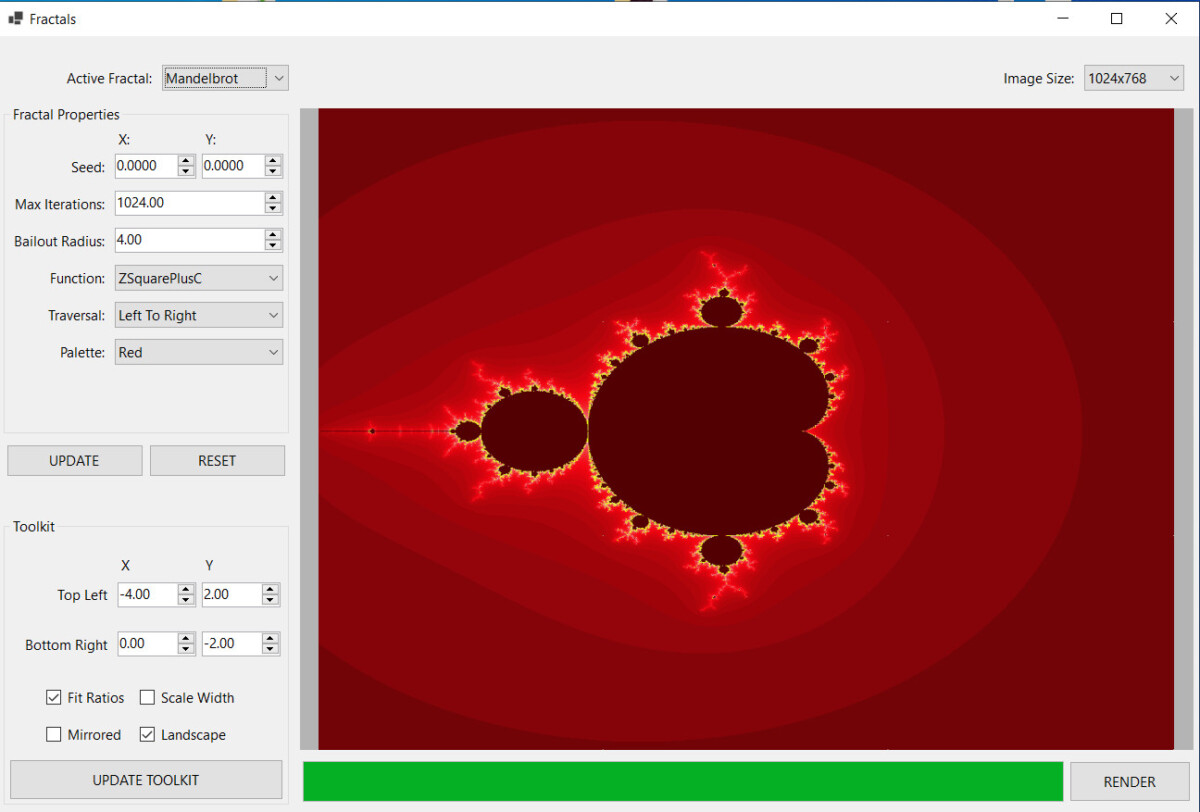
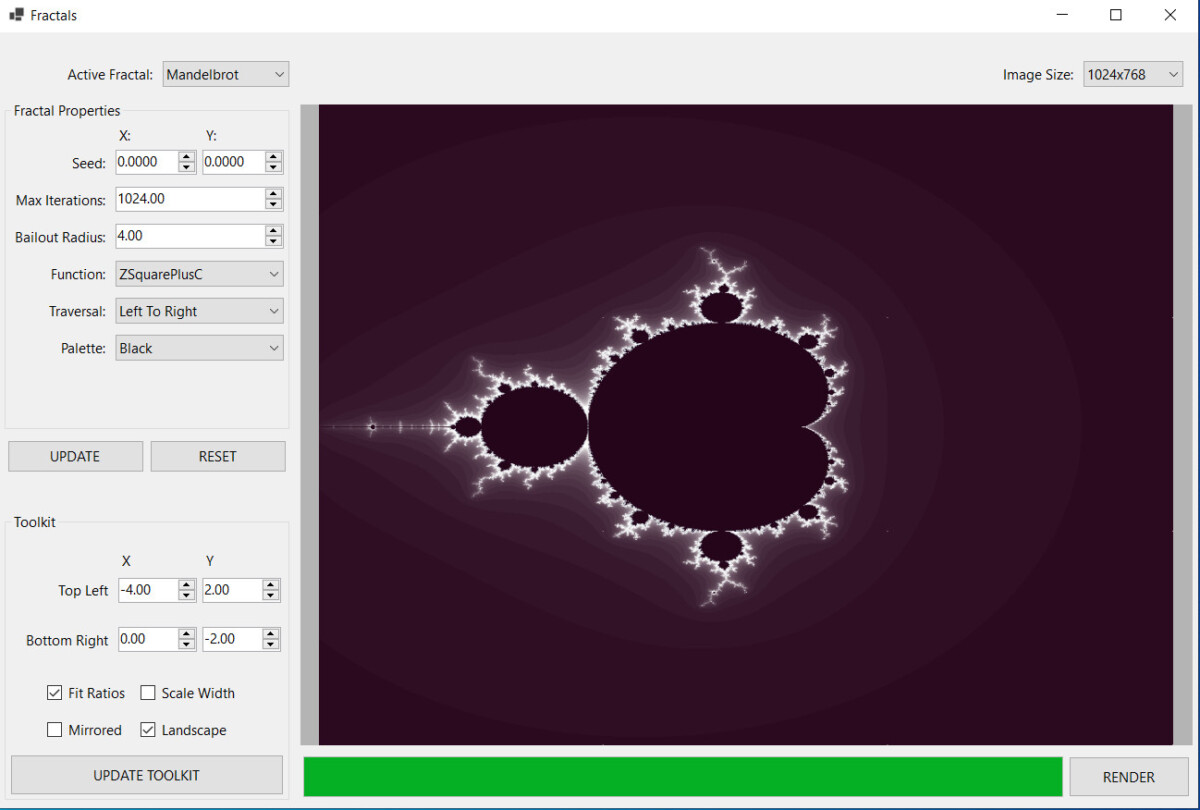
Beautiful and mysterious, isn’t it?
If you’re looking to build your own implementation, have a look at the windows forms app to draw fractals I built.
Use it as a starting point or inspiration, feel free to use or mis-use the code.
There are other fractal types, such as
Koch’s snowflake
Sierpinsky’s carpet
Julia Sets
The Julia set is derived from the Mandelbrot fractal.
Back in 2009, I’d already implemented a fractal painter for Symbian S60, as a simple exercise. But it was incredibly slow, running on old hardware with no graphical acceleration.
The 2D Transform Toolkit
What I was really proud of though, was the Toolkit I’d developed. It was capable of transforming 2D coordinates from screen (application) space to 2D space (that’s where fractals live).
It was doing this using 2D transformation matrices.
I’d written my own Matrix2D and Complex classes to handle geometrical transformations in 2D space.
With the proper setup, this toolkit was capable of transforming every point from screen space to 2D coordinates.
Screen space (where pixels live) and the 2D world are two separate universes.
Fractals or any other geometrical objects live in 2D space. They have real coordinates and obey mathematical rules. They can be shrunk, grown, rotated, or moved up or down any axis.
But you need coordinates for that, both negative and positive, on both the X and the Y axes, respectively.
Objects in screen space have coordinates that go between 0 and the width of the screen (or drawing buffer). You can’t do much with an object limited between 0 and 640 pixels.
In 2D space, you’re free to do whatever you want with mathematical entities living there.
That’s why we need a way to transform pixels to and from the two worlds. And that’s what the Toolkit does.
Porting Challenges
Here are the challenges I had with the App:
- porting the C++ Symbian S60 code to C#
- implementing a parallel rendering algorithm I could re-use in other projects
- rendering multiple unrelated fractal types, besides the Mandelbrot set.
- implementing a dynamic properties editor
I wanted a base class so I could render multiple fractals dynamically.
I wanted a fractal editor for every type of fractal.
Now the biggest challenge with the fractal painter was parallel rendering.
Since I’d already implemented the algorithm 15 years ago, I thought I’d speed up things and use ChatGPT to speed up the translation from C++ to C#. While I do use AI, I also like to take ownership of the code it gives, to “make it mine”.
TBD: Link to CS_GRAPHICS instead
Now, at the time of the writing, a few issues remain:
- not all fractal types are implemented
- progress bar does not work yet
- updating the world view coordinates does not work
- would be nice to have a zoom-in function
- rendering takes a bit too long, even with multi-threading
- the application remains unresponsive while rendering the fractal
The best part is that I’ve put the rendering algorithm in a separate class so that I could re-use it for…